
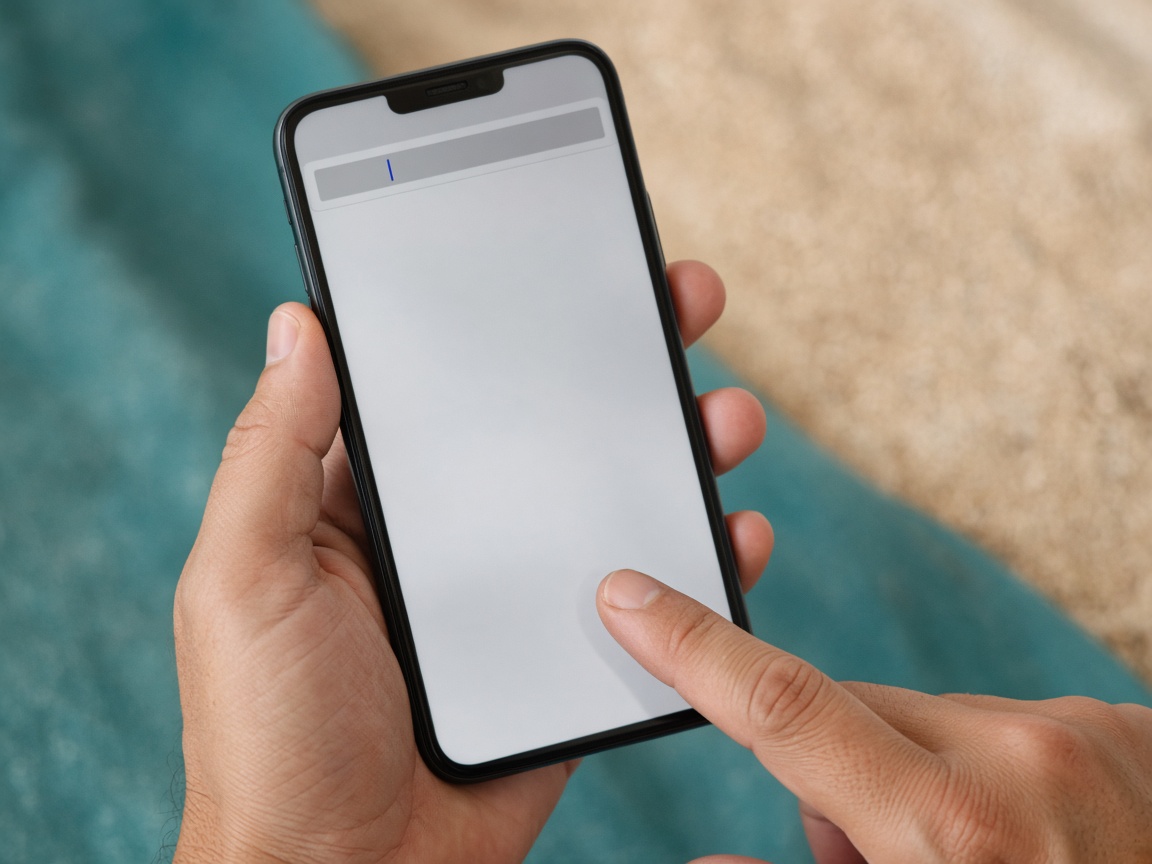
1. Paste a URL
Drop in Instagram, TikTok, YouTube, and more.
AfterScroll
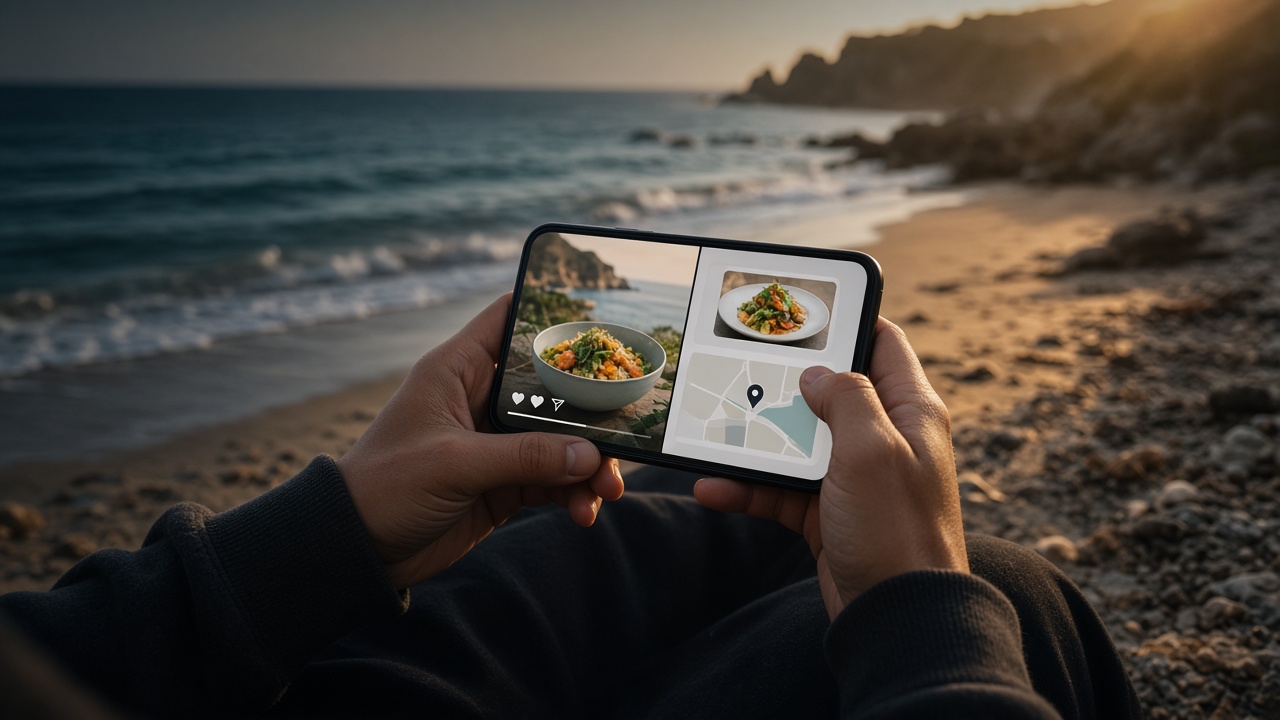
Paste a link. We pull out recipes, map pins, recommendations, and notes — then delete the video. What you meant to keep stays after the scroll.
How it works
Social clips vanish into the feed. AfterScroll keeps the useful extract — structured and searchable — so it remains after the scroll, without storing the original file.
Drop in Instagram, TikTok, YouTube, and more.
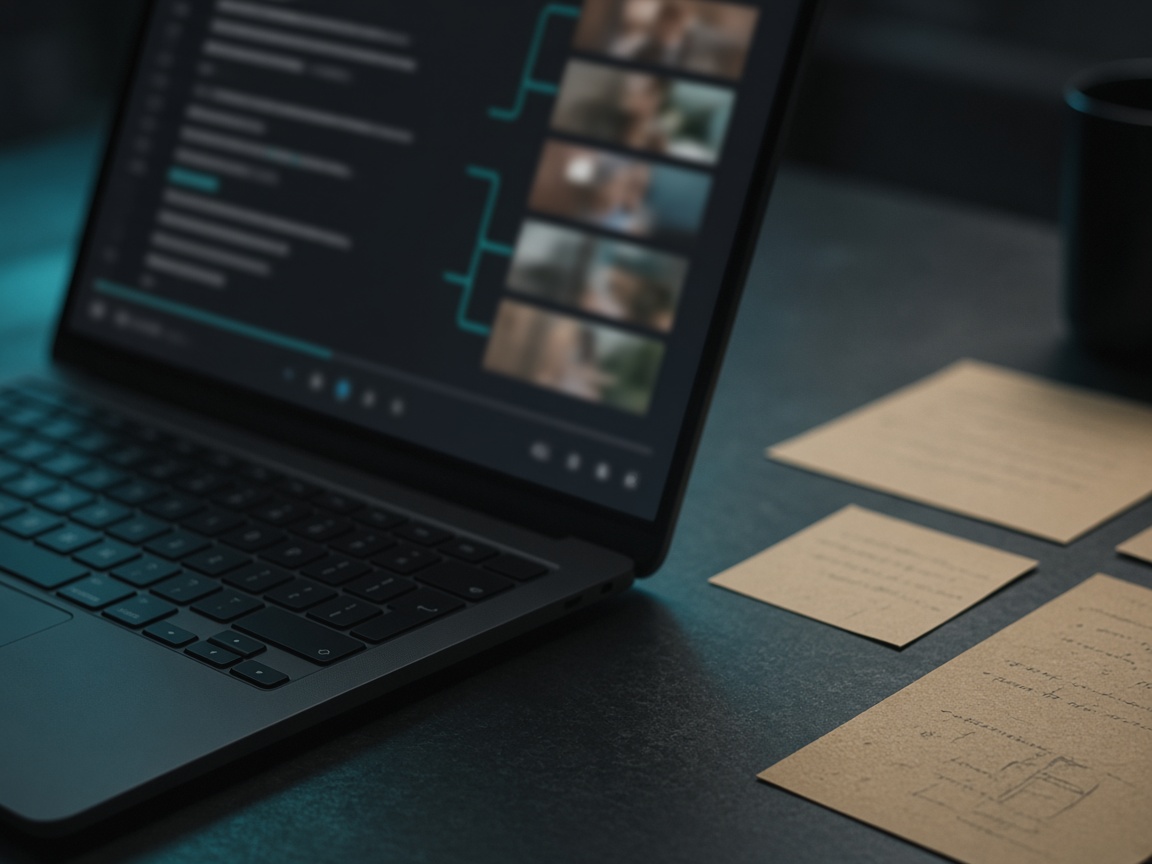
Speech, on-screen text, and an LLM turn the clip into structure.
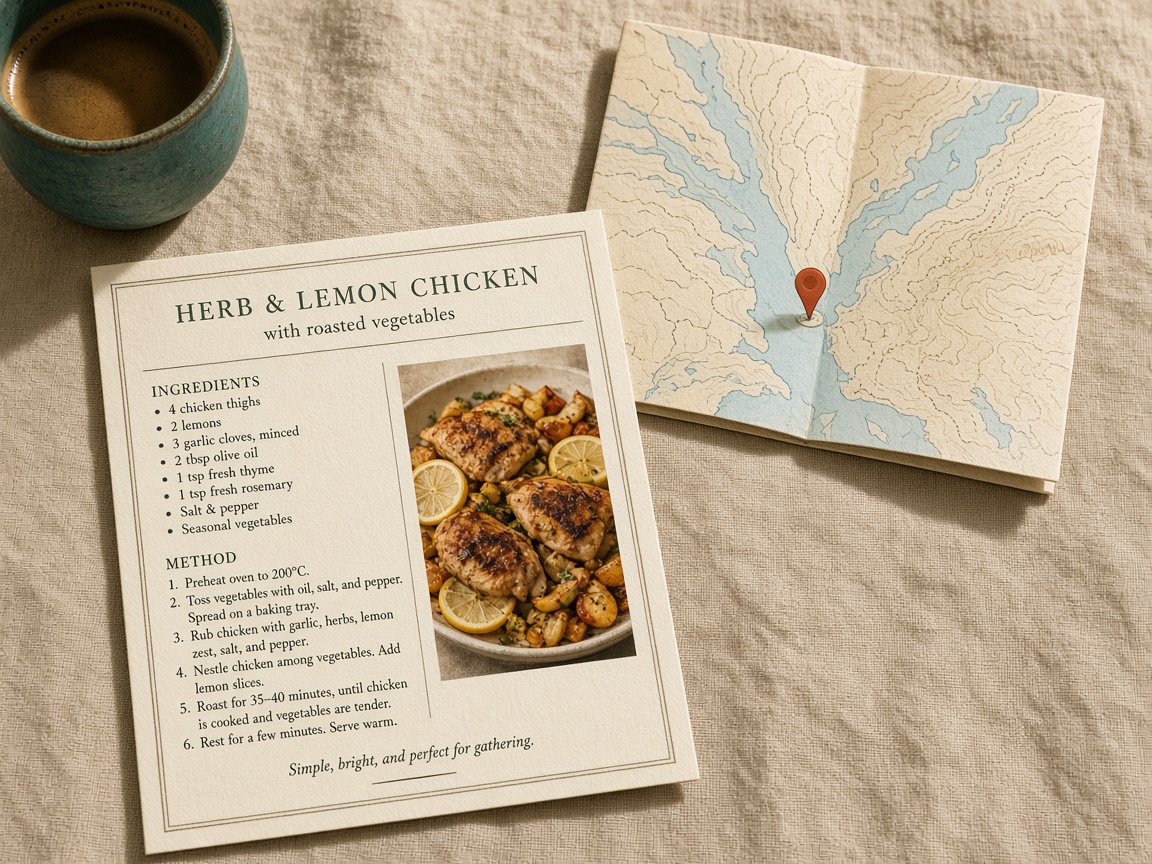
Recipes, travel pins, recs, and notes stay — video deleted.
What stays
Travel spots, dinner ideas, movies and songs, and dense notes — organized by type, not buried in camera-roll screenshots.

Places and map pins from the video.
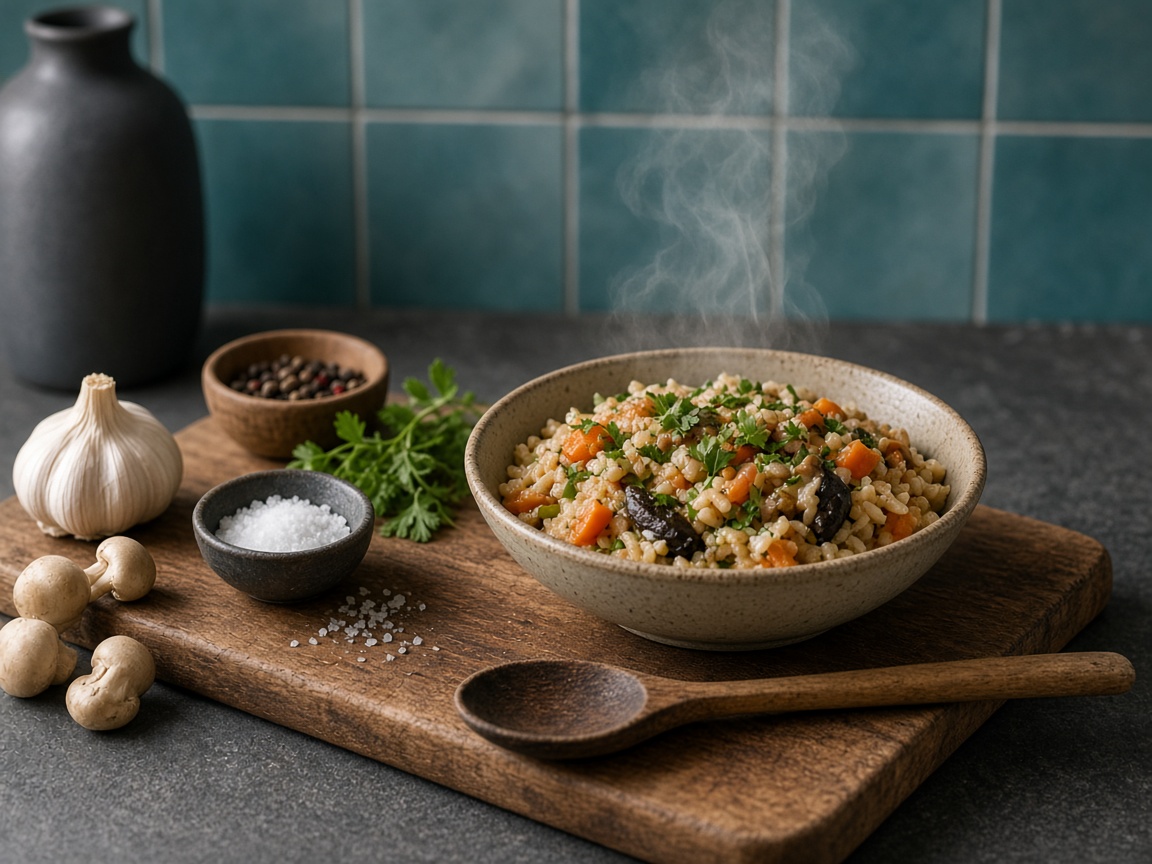
Ingredients and steps you can cook from.

Movies, songs, shows, books - why they were shared.
FAQ
No. We download briefly, extract a thumbnail and text, then delete the file. After the scroll, you keep structured metadata — not a video library.
Common social video links (YouTube, Instagram, TikTok, and similar). Private or deleted videos may fail with a clear message in the app.
Often one to a few minutes depending on length and queue. The app shows progress while your save is being prepared.